Top Ten Checklist for Manufacturing Websites
Make sure your manufacturing website hits these 10 points for a competitive edge

1. Professional Design targeted for manufacturing leads
Gone are the days when you can build your own basic website for 1.99 a year and have it be good enough. Your front office staff person is not a web designer, and they shouldn't be charged with creating the primary first impression for your firm. A professionally designed, well planned website that captivates your target client is required if you are to be competitive. When we design manufacturing websites we take time to understand the firm's goals, ideal client profile, products, services, and process. From this information we can create a website that supports the firm goals, generates new leads, and provides a competitive, credible appearance online.
2. Proper Page Titles
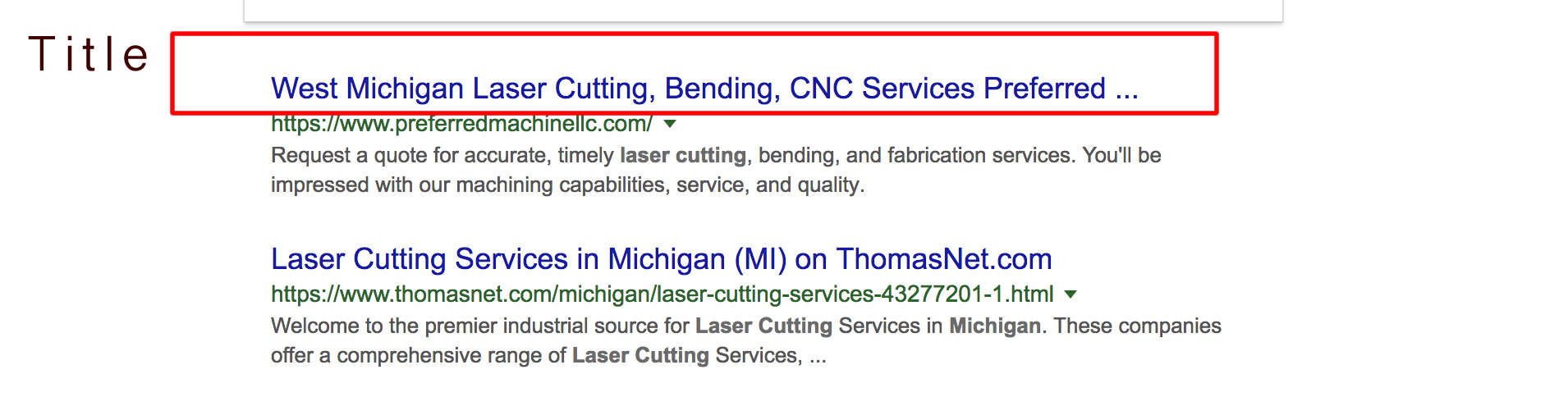
Titles on search engines like Google and Bing give your potential customers a quick insight into the content of a result and why its relevant to their search. Many times this is the primary piece of information used to decide which result to click on. This means it is essential to use a high-quality title on each page within the website.
Page titles should be descriptive and concise. Avoid vague descriptors like "Home" for your home page, or "Profile" for a specific person. Avoid unnecessarily long or verbose titles, which are likely to get truncated when they show up in the search results Try to keep page titles short, i.e. less than 60 characters. A professional design company will include properly named page titles for each page prior to the launch of your site. Some companies may charge extra for this initial optimization and others will include it as a value add (we include
3. Page Responsiveness
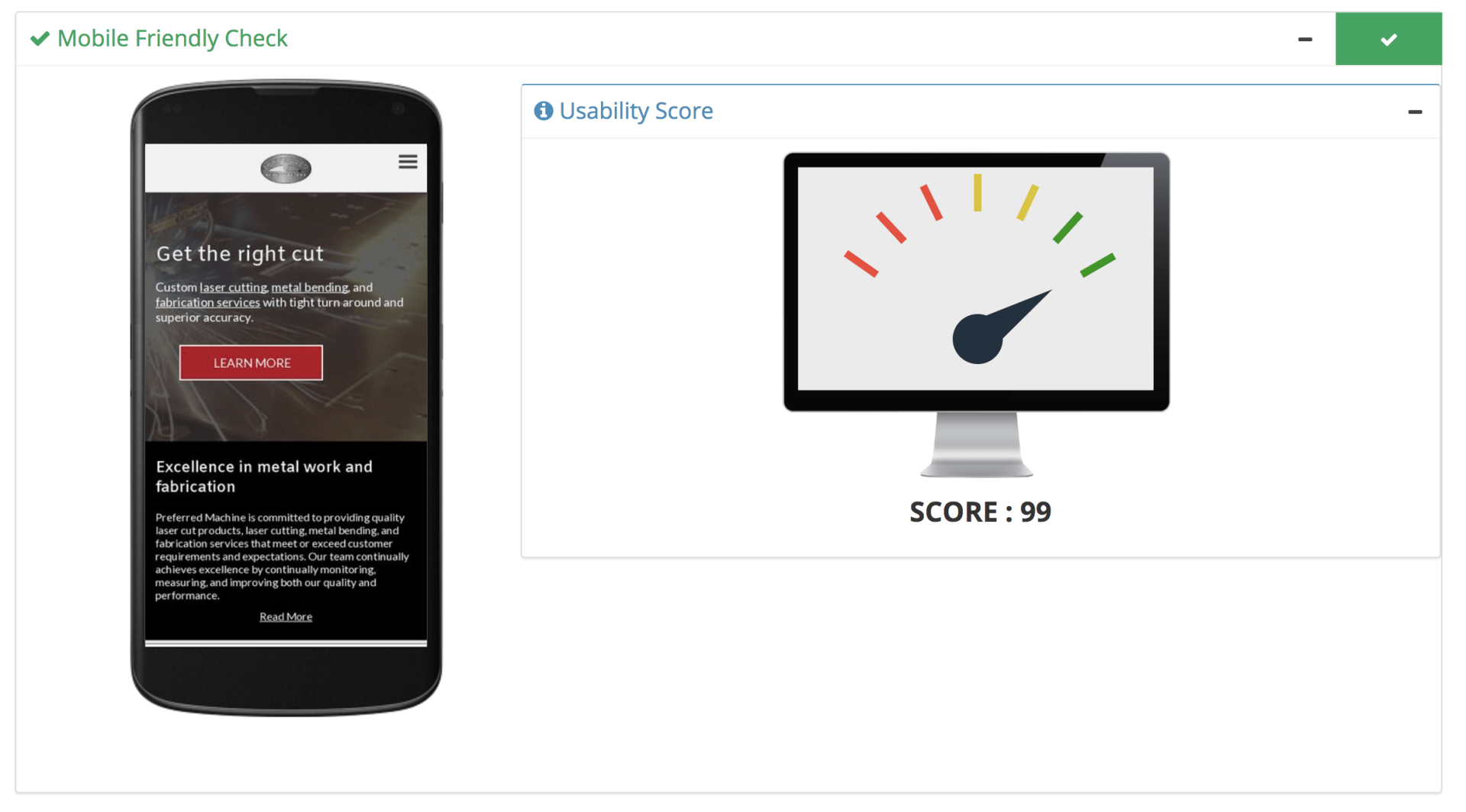
Your website will load on all devices but it should be designed to load specifically on any given device. Pinching and zooming on a phone to access a menu link is circa 1992 and unacceptable, the website must be responsive for all devices.
Responsive websites use the viewport setting and modify elements on the page to load in a way that makes it easy for the visitor t use the website on their specific device. For example, menus and buttons on the mobile version will be larger and located in a "hamburger" menu rather than in a vertical or horizontal header position.
A viewport dictates how a web page should be displayed on a mobile device. If a viewport is not specified then a mobile device will display the page as if it were a desktop screen and not scaled to fit the device (again 1992 and unacceptable). Setting a viewport gives control over the page's width and scaling on different devices.
With this in mind, screen dimensions vary widely across devices so always configure the viewport in such a way that your pages render correctly on many different devices. Always try to make sure that the web page content doesn't rely on a particular viewport width to render well.
Lastly, buttons that are small or too close together are more difficult for users to press on a touchscreen than with a traditional mouse cursor. The average adult finger pad size is about 10mm wide, and it is recommended to have a minimum tap target size of roughly 7mm or 48 CSS pixels on a site with a correctly set mobile viewport.
4. Page Speed
Your page speed (as measured by Google Page Speed) should be 95 or higher. If your site loads slowly it can affect your search engine results ranking, and more importantly your traffic. If potential clients have to wait for your site to load, they will close the browser, re search and go to a competitor website that does load fast. Multiple factors go into ensuring a fast page load time from server response time, to ensuring javascript files are minified. Talk to your web designer to ensure the website is optimized to load quickly on all devices. Use our top 10 SEO tool for manufacturing websites to see how your site currently stacks up.
5. On Page SEO
The ideal ratio of text to HTML code must be between 20 to 60%. If it is less than 20%, consider adding more text. If your page has more than 60%, it might be considered as spam. In addition to great photography, with appropriate layout you'll need supporting text in the right quantity that accurately describes your products and services. Use keyword phrases in normal, natural sentences where possible but don't just list out a bunch of keywords hoping to show up at the top of a search results page, in fact if you try this tactic your site's ranking will likely be penalized. Major search engines look for authentic content that is useful to human beings that might actually be interested in learning more about your product or service.
Unique words are words that reflect your sites features and information. Search engine metrics are not intended to use unique words as ranking factor but it is still useful to get a proper picture of your site contents.
Using positive unique words like complete, perfect, shiny, would be a good idea for a better user experience. In search engines, a stop word is a commonly used word (such as 'the') that a search engine has been programmed to ignore, both when indexing entries for searching and when retrieving them as the result of a search query
6. Landing Pages
Having specific pages for site visitors to use for requesting more information is a key way to generate leads from your website. For example if you are a CNC shop targeting tier 2 automotive customers, having a landing page about your equipment and capabilities for working with these customers would be key. This landing page would provide summary detail and offer a downloadable PDF with more details, in exchange for the leads name, company name, and email address.
7. Lead Forms
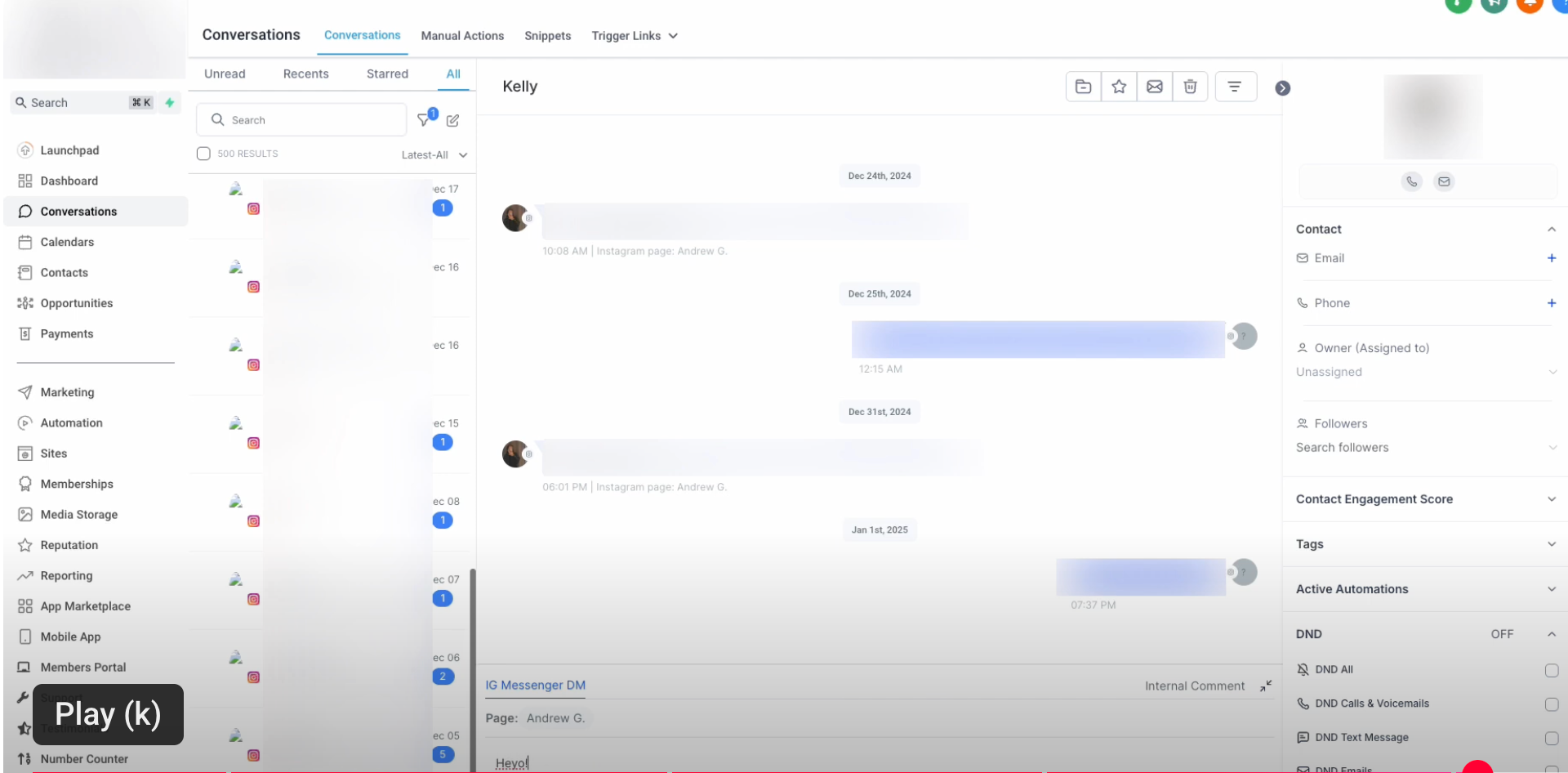
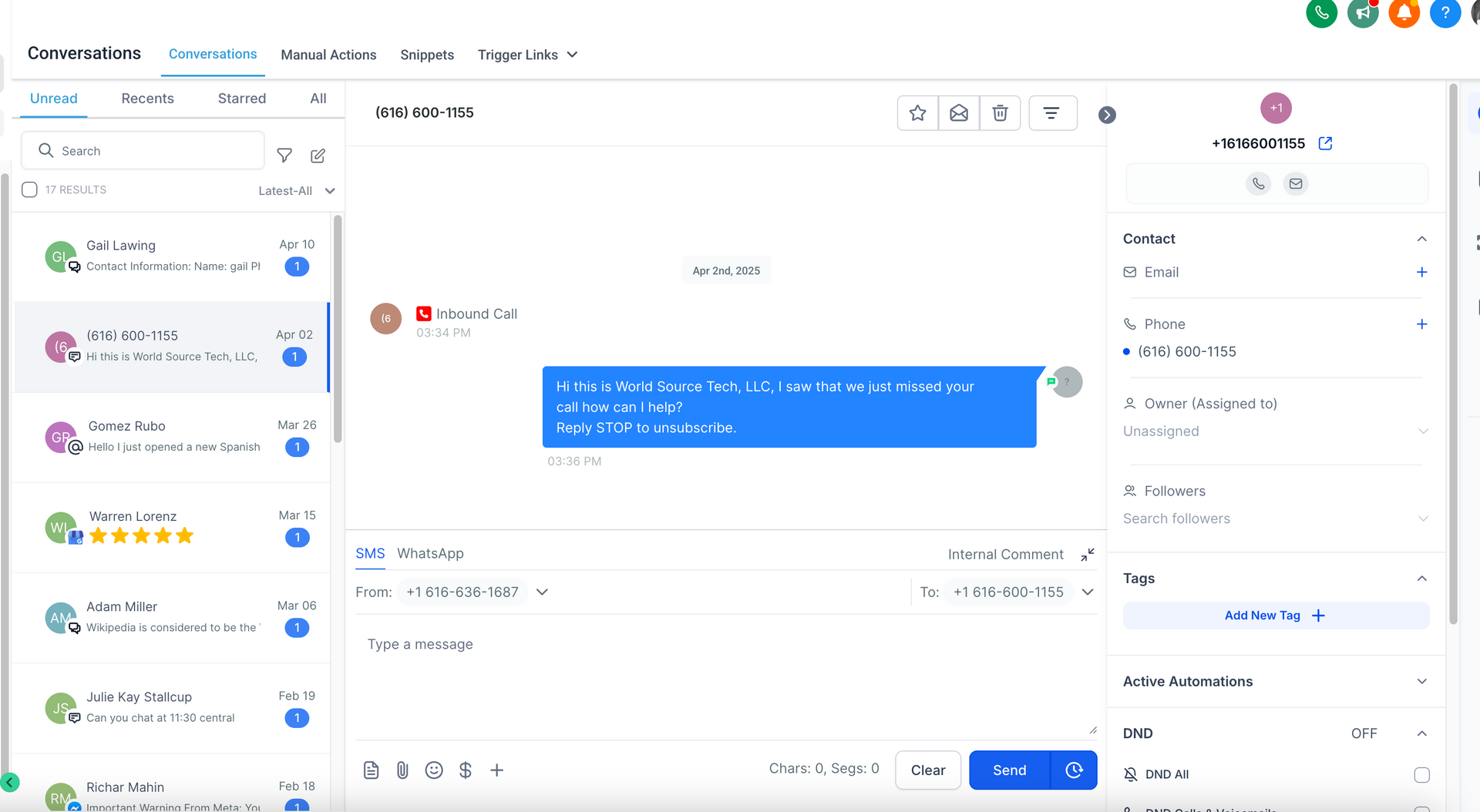
How will you capture lead information? Lead forms! Both current and potential customers will need a way to contact you and picking up the phone is inconvenient. Make it easy for them by providing ample amount of contact forms, quote request forms, and info request forms throughout the website. Ideally these forms integrate directly into your CRM and ERP systems to the lead can easily tracked and followed up with throughout the entire sales process.
8. Call to Action
When it comes to engagement on your manufacturing website, if you don't ask, you don't get. Well placed instructions that ask the site visitor to take a desired action are called "Calls to Action". For example, a "Request a Quote" button in the upper right hand corner of your website header would be a call to action. Placement, verbiage, color, and context are all important inputs when deciding on which call to actions to use and where to use them. When you plan your website design or redesign, be sure to think through which calls to action you'll use and where.
9. Reviews and Testimonials
Building credibility with prospects you've never spoken with is difficult. One way to accomplish trust and credibility with new prospects on your website is through the use of testimonials and reviews from previous clients. Including reviews from Google, Facebook, LinkedIn, and direct testimonials submitted through email and other means will give potential clients a way to verify that you can do a good job for them.
Both written and video testimonials are great ways to show prospects that you can be trusted with their business. Video testimonials are more verifiable by their nature but written testimonials are also useful. Include a mix of video and written testimonials on a reviews page within your website. Make sure written testimonials are also present on major social media review systems like Google, Facebook, and LinkedIn.
10. Followup System (Funnels)
What do you do once you have your professionally designed website with winning page titles, fast loading pages on all devices, lead forms and calls to action throughout, reviews and testimonials that generate credibility, and landing pages that capture new leads?
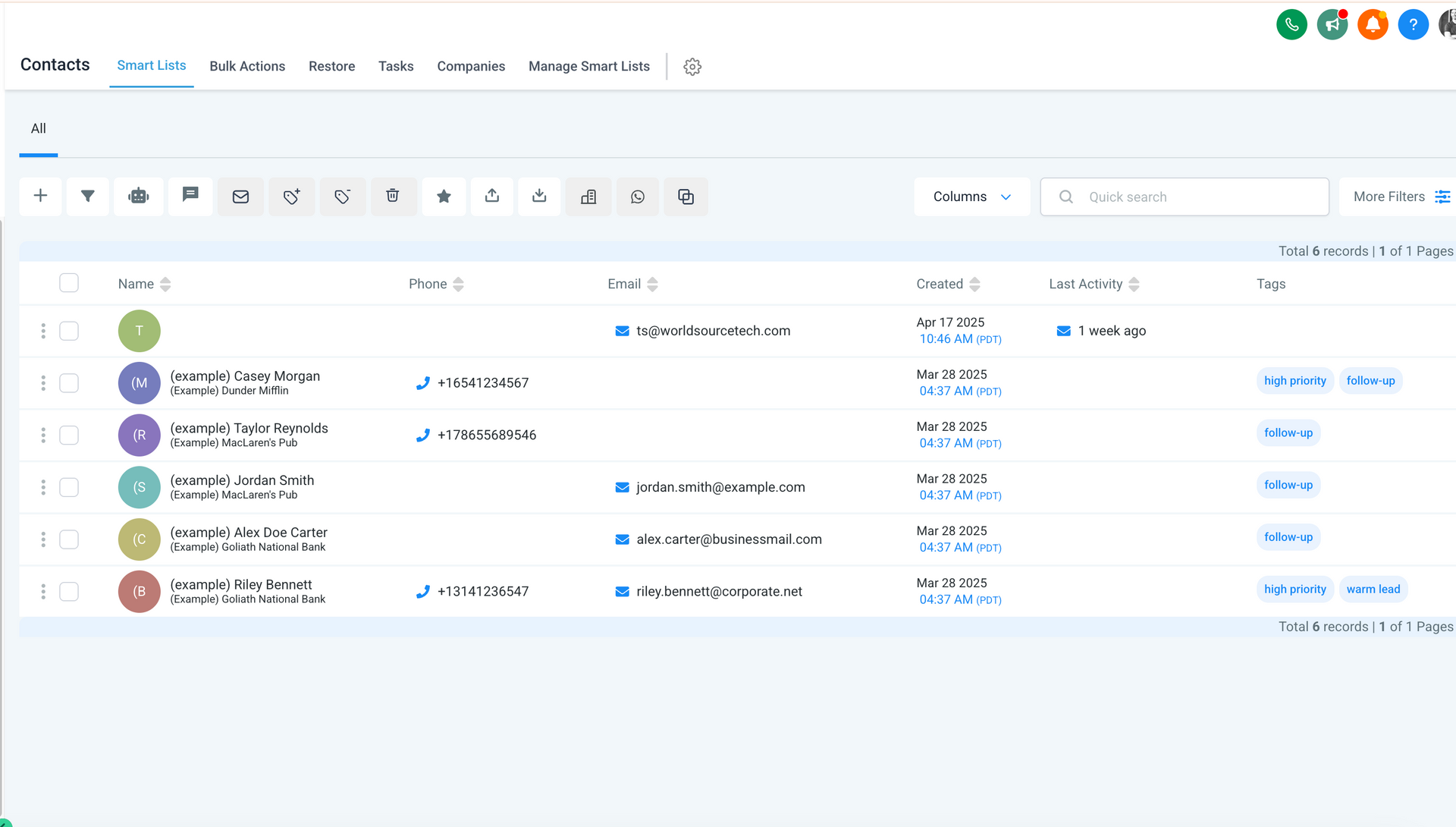
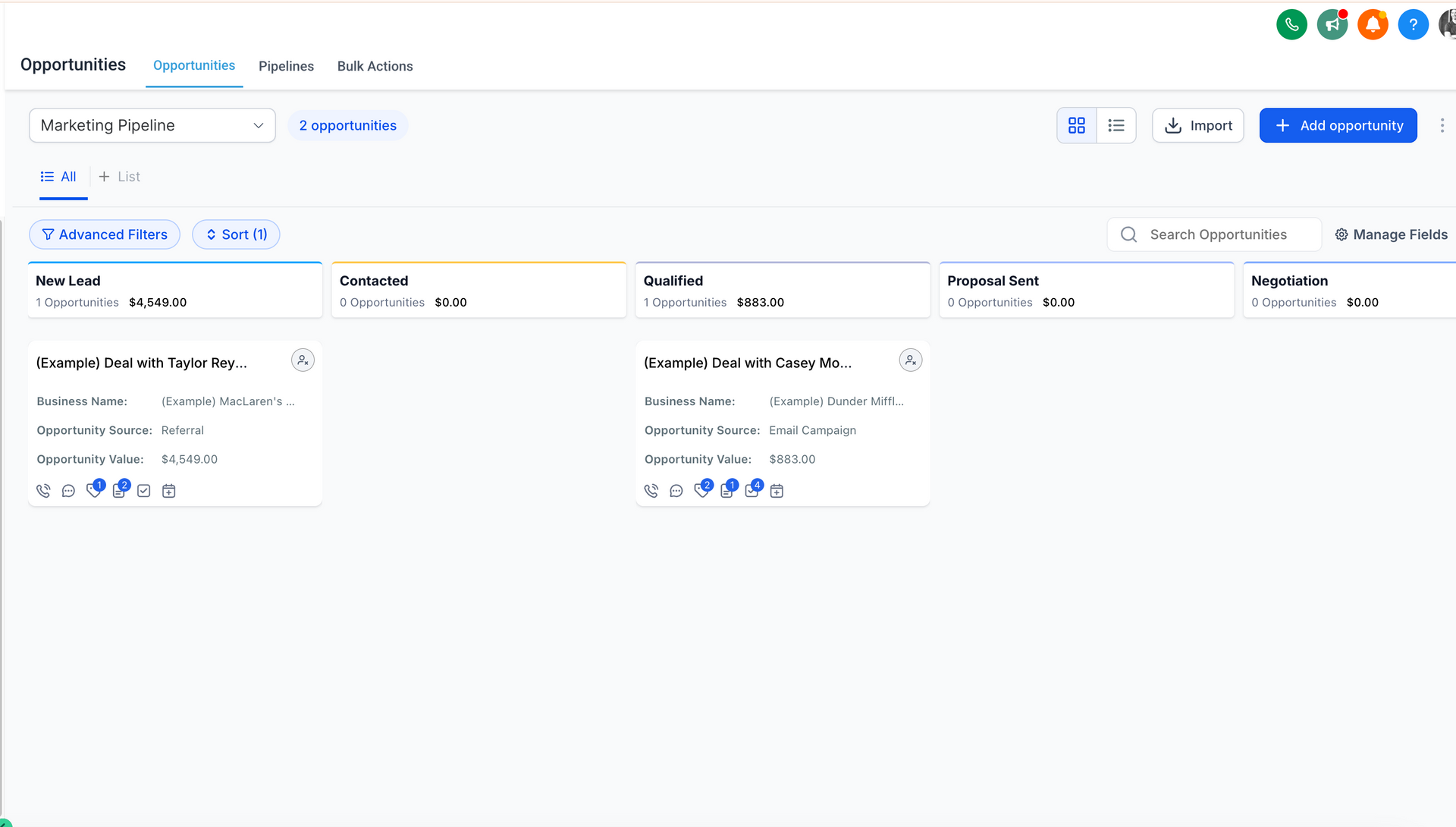
You follow up with prospects in a methodical, planned, and targeted manner that is both personalized and automated. We use our custom ERP and CRM system for clients to create drip campaigns and lead funnels that nurture prospects until they are ready to request a quote or get started on their manufacturing project.
If you found these top 10 interesting and would like to chat more about implementing them for your manufacturing firm,
get in touch
!