10 ways to get new manufacturing prospects and convert them to customers
How to use your website, CRM/ERP system, and internet marketing to generate new b2b customers (and keep them)

Getting new manufacturing clients means standing out from your competition where it means the most. Of course quality of product and service speak for themselves, but to get that new customer, your first impression counts the most. These ten tips show you how to attract new manufacturing customers using your website and some internet marketing tools.
1. Have an amazingly professional manufacturing website
The first thing that new prospects will see when looking for a company to make their product will be the google search result, and then of course the website homepage. Don't lose potential customers with a "Do it yourself" website that looks ameature and unprofessional.
Captivate new potential customers with a custom designed professional website (logo / colors / images all matter here). This will communicate that you are capable of attention to detail and doing a professional job for potential clients.
You can see if your website stacks up by using our manufacturing website audit and seo tool.
2. Make it easy for website visitors to request a quote
The option to request a quote should be present on every page. Allow customers to upload PDF files, CAD files, or anything else your team might need in order to create a comprehensive quote.
Placement and design of quote request forms and call to action buttons like "Request a Quote" is important. Typically these should be on the right hand side of the page, well balanced in 1/3 of the page with the other content, and only capture the essential information (Name, Email, maybe phone and company but that's pushing it).
Once a prospect completes a quote form, be sure to send them to a thank-you page on your website that indicates when you'll be contacting them, provides links to other important areas on your website, and that emails them immediately confirming their submission was received.
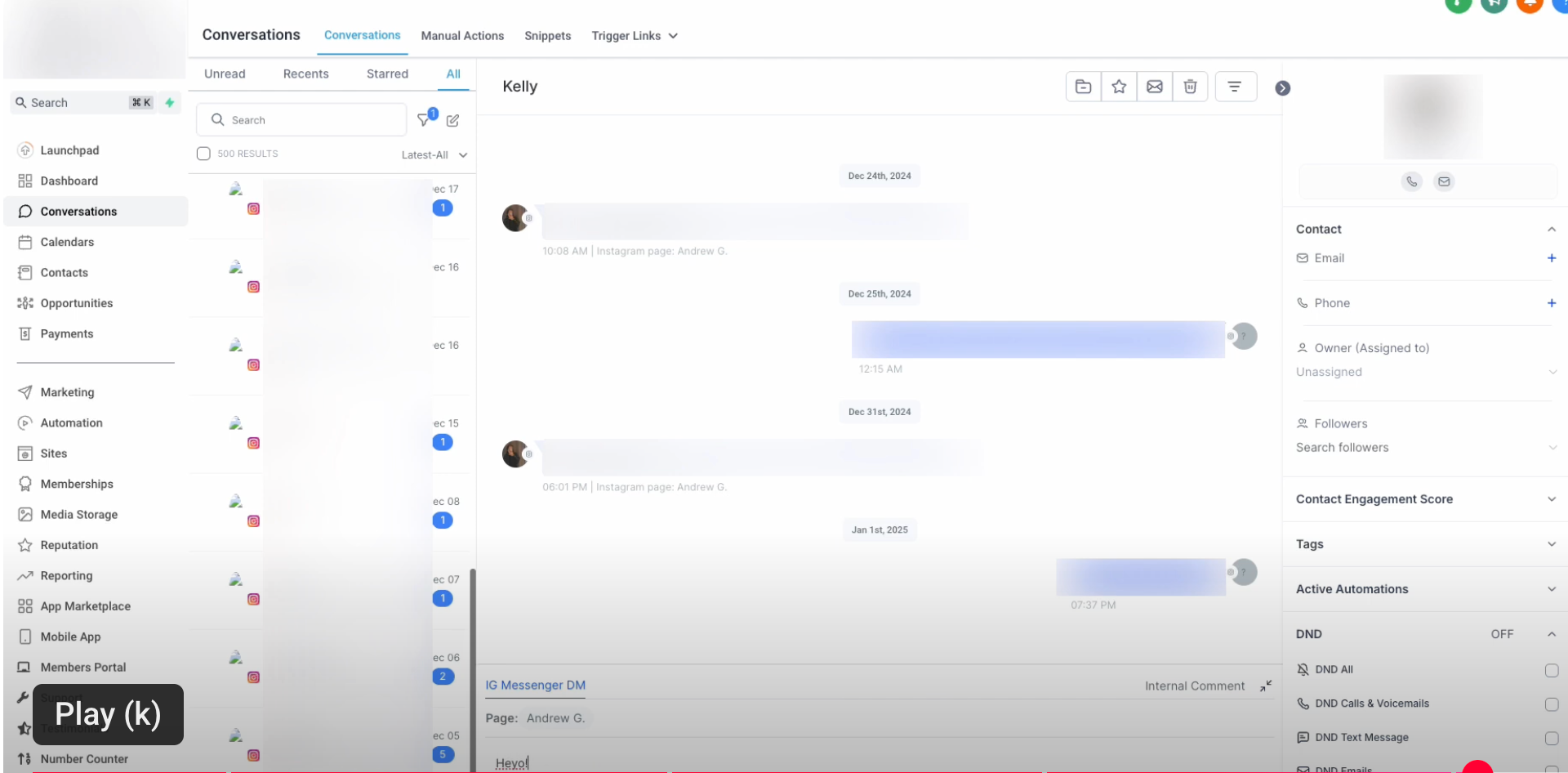
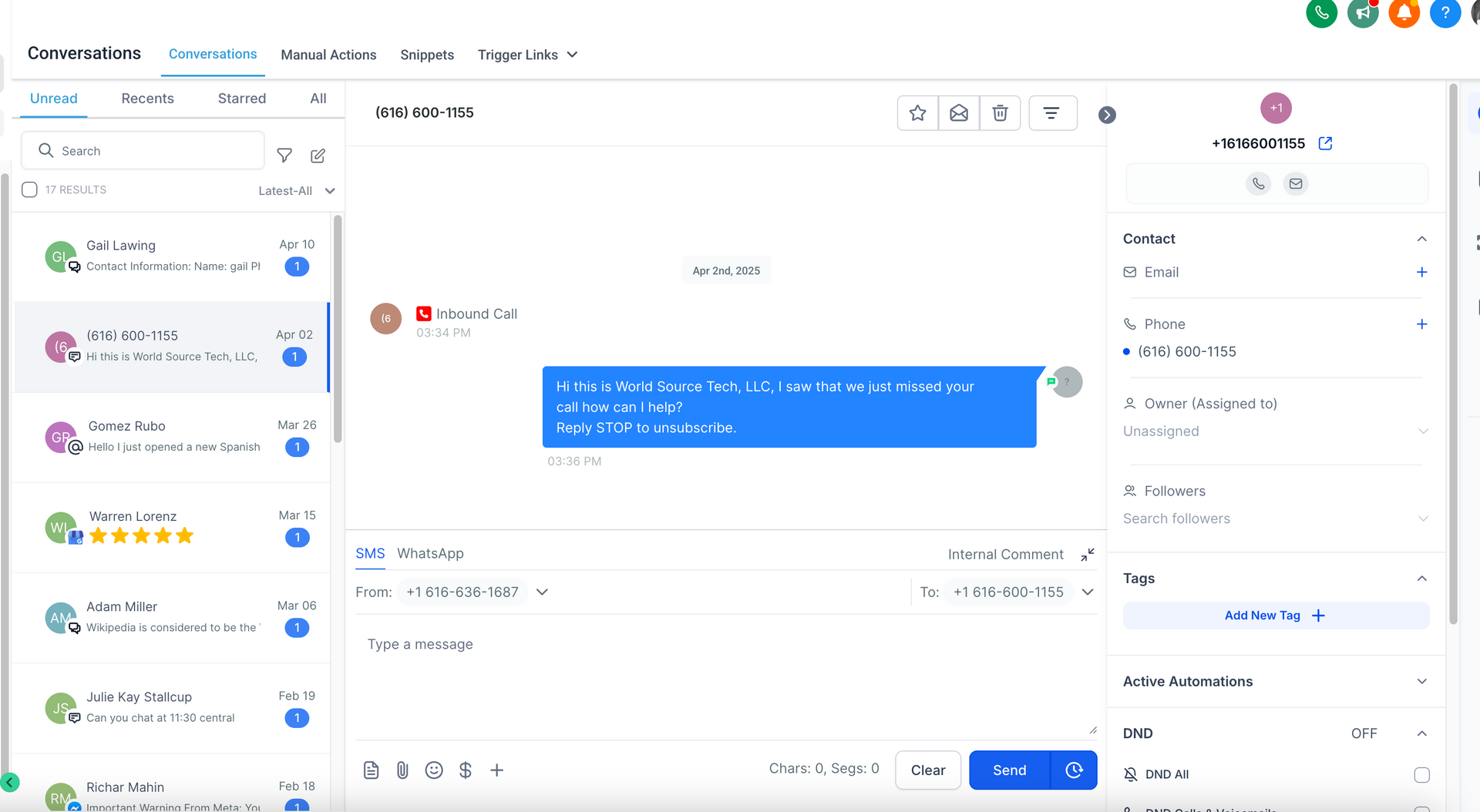
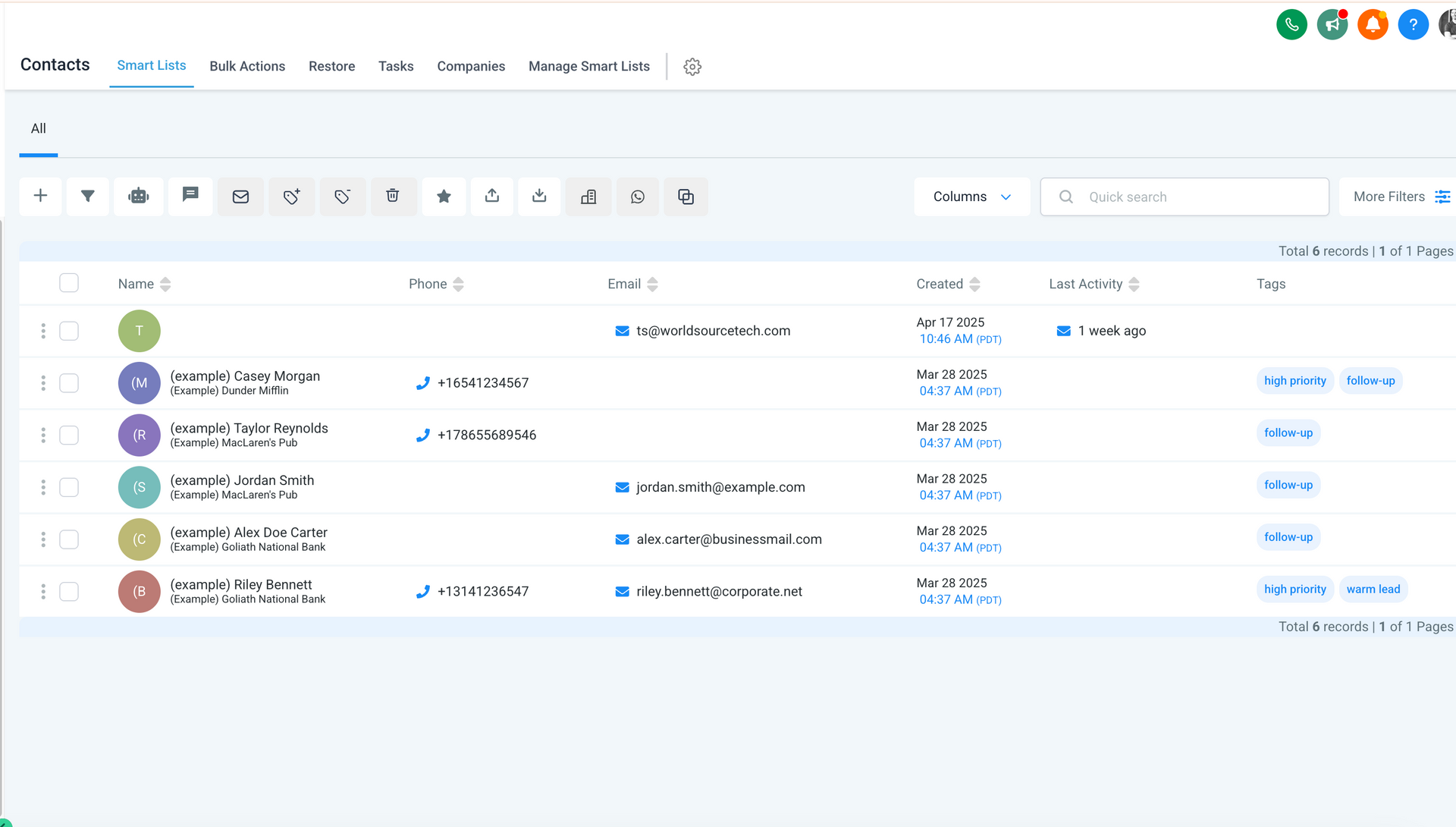
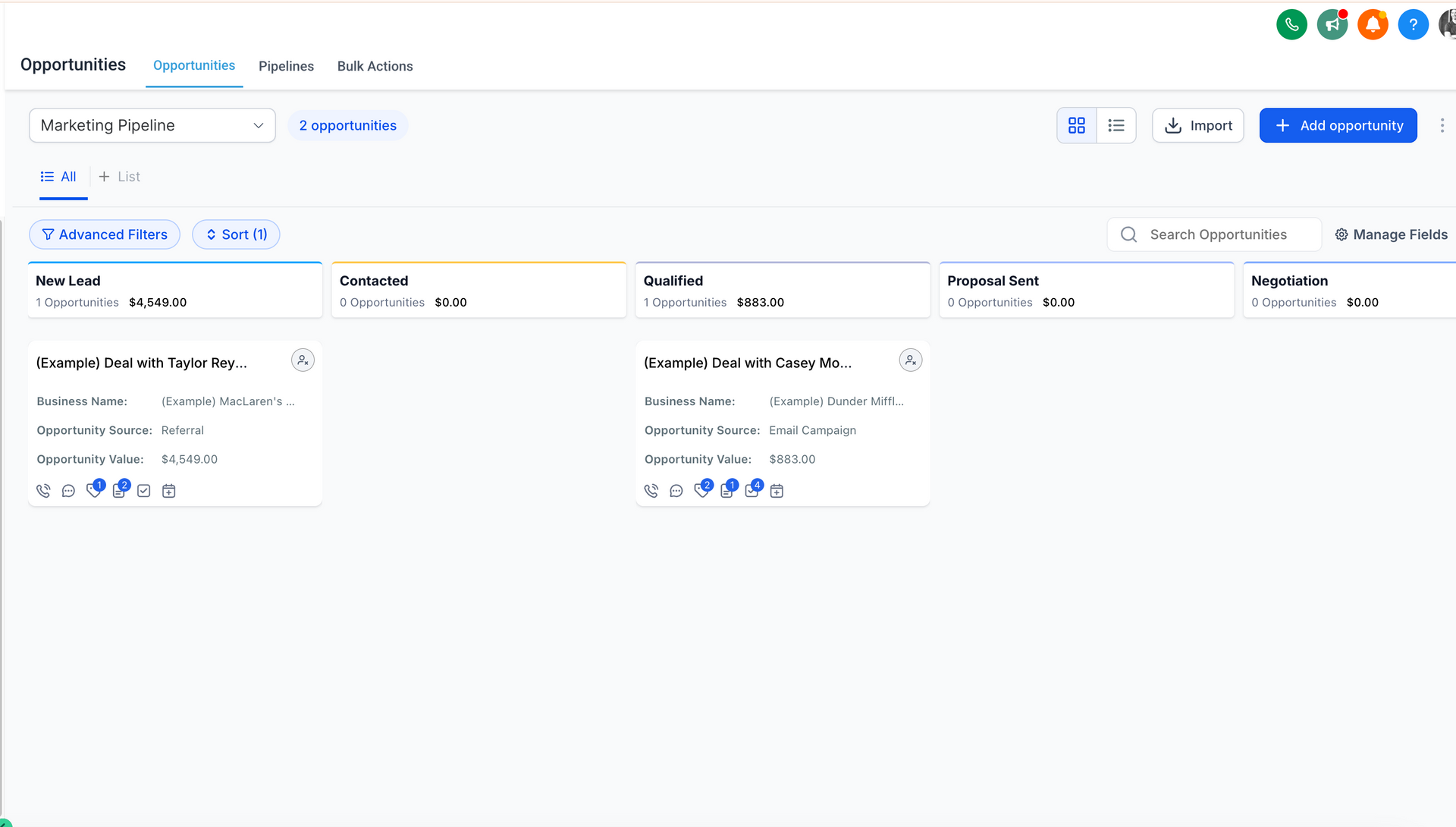
Don't stop there, make sure this new lead information is added to your CRM or ERP system so you can start a funnel marketing campaign and have the sales team follow up and log their activity on this lead so everyone knows what's going on with this new prospect.
3. List and show your machine, manufacturing, and shipping / distribution capabilities clearly on your website
Make sure prospective customers can see exactly what you do. Show photos of your machines, operations, and team with descriptions that generate trust and an overall sense of competency. Be detailed on these pages and provide use cases and examples of work commonly completed by your company. Doing this will help search engines show prospects what your manufacturing website is about and what your company does when they search for related keywords.
4. Use email addresses and first names in periodic drip campaigns to stay in front of prospects
When prospects visit your website for the first time, they may not be ready to get started just yet because they are only in the research or comparison phase of their procurement journey. For this reason, it is imperative that we get them to provide an email address and first name during this first visit. How do we do this? By offering interesting and helpful information related to their website visit. Articles, blog posts, case studies, free quotes, video tutorials, email courses, and more are all great ways to collect a first time visitor's email address.
5. Score each lead by their actions
If a lead open an email, give them 5 points, if they visit the website again, another 5 points (our CRM and ERP systems
do this automatically).
So, a prospect googles "Laser Cutter Indiana", finds the website, and lands on the homepage. It's professional, they click around see some of the machines used, previous clients and projects and decide it could be a good fit to produce their new assembly widget. Next, they fill out the quote request form which immediately adds them to the ERP / CRM system as a lead, sends them a thank you email, alerts sales of the prospect and redirects the prospect to the thank you page on the website with more info to help them learn more about the company and solidify their decision to engage.
After this, the lead will get a follow up call or email from sales and may receive weekly or monthly "drip" emails with useful information about manufacturing. These weekly or monthly information nuggets keep the company "top of mind" for the customer and help to ensure repeat business. The cross sell and reorder opportunities are endless here, multiple campaigns can be created, prospects and customers can be added to different campaigns based on how many emails they open, if they click on a link within an email, etc. This is the personalized web marketing that is completely measurable, low cost, and effective at generating new and repeat manufacturing and industrial b2b sales.
6. Follow Up by personal email or phone call with leads that hit a certain score
We mentioned earlier that some leads may not be ready for a phone conversation after their first visit to the website. However, if we were able to capture their email and send them a weekly or bi weekly email series, we can increase their interest score based on their behavior. For example each time a prospect opens one of these emails we can increase their score, and each time they click on a link within the email, say to the company blog or a landing page on the website for example, we can further increase their lead score in the CRM/ERP system. Once the lead hits a certain score, we can automatically place the followup to-do item on the calendar for sales to touch base with a personal email or phone call to see if they are ready to order.
7. Keep leads and customers in evergreen campaigns that send out periodic company emails with useful information
Hire a firm (like us for example) to write these emails and blog posts for you so they are optimized for both search engines and readers. This content is different from weekly / bi weekly or monthly emails that you send to prospects. This evergreen content is for existing clients that have ordered in the past but are currently dormant. Sending these periodic emails automatically will keep you in front of them as a first choice if / when they need to re-order and / or if the opportunity to refer a manufacturing/distribution firm crosses them, your company will be the first one in mind.
8. Automatically schedule 30, 60, and 90 day follow ups for sales
Once a lead is added to your ERP/CRM system from your website, have the system auto generate calendar items for a personal phone call or email at the 30, 60 and every 90 day mark until the lead is marked "lost" or "won" as a customer. Once "won" as a customer, have the system continue to schedule follow ups at the interval that works best for your established sales process (we find at least every 90 days for existing customers, if not more often).
9. Used paid advertising on Google, Facebook, and LinkedIn
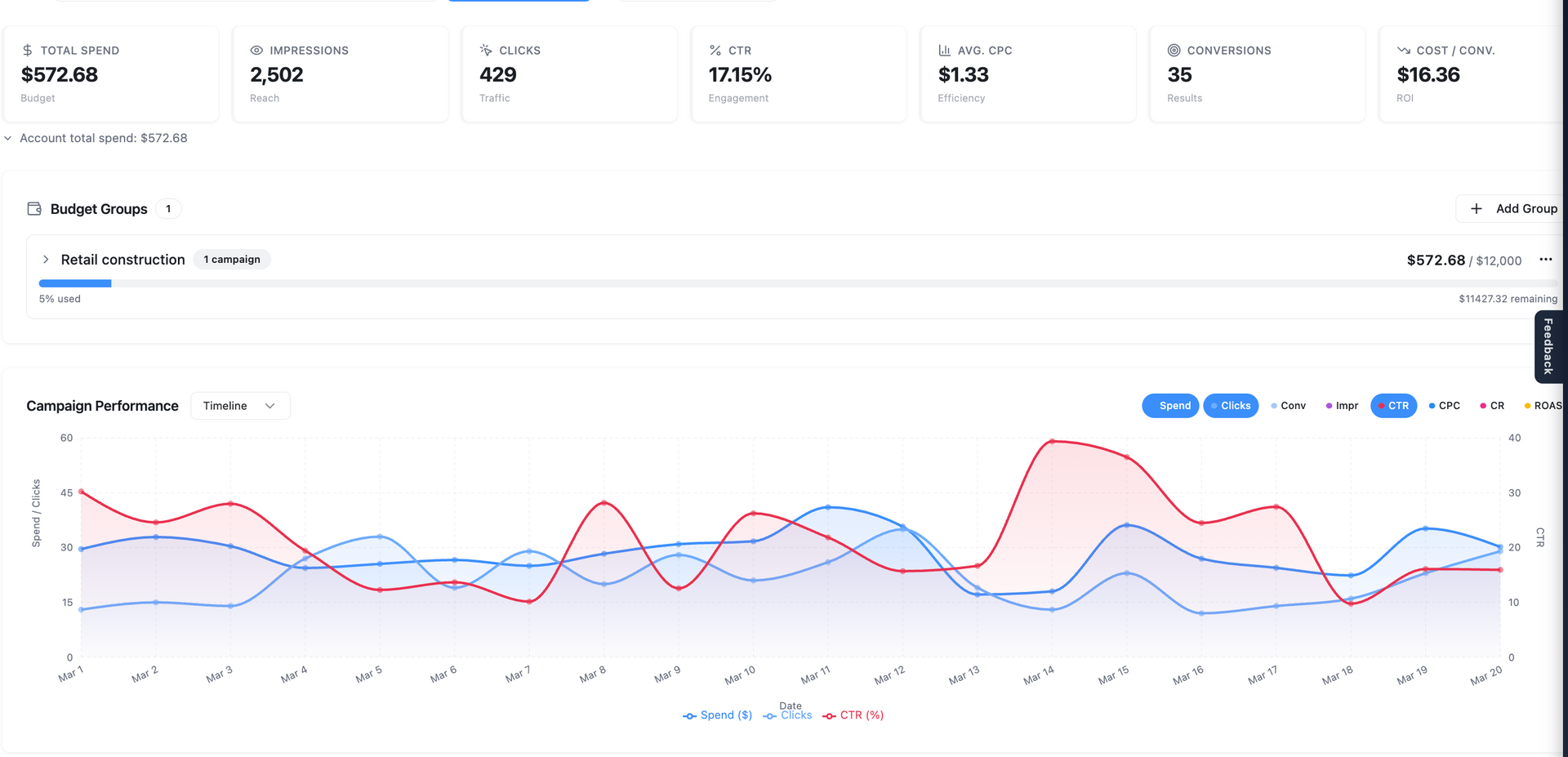
Using paid advertising on Google, Facebook, and LinkedIn is one of the fastest ways to generate new prospects for any business. This is also one of the most cost effective and measurable forms of advertising that exists. The fact is that most people, including b2b decision makers have an account on at least one of these platforms, and these platforms allow us to specifically target people by job title, annual income, geographic location, interests, and behaviors making your ad spend highly effective. The reporting for this type of advertising is more than you will ever get from traditional printed or billboard ads and addresses your very specific niche market of decision makers who need a product made or distributed from a company like yours.10. Don't go it alone
DIY websites and advertising campaigns are obvious, look amteur, and will lose you business. Hire a competent technology and internet marketing firm that can create a professional custom website for you, generate professional interesting content for your site visitors, and drive qualified prospects to your manufacturing website using proven advertising techniques on platforms your potential clients use every day like Google, Facebook, and LinkedIn. If you would like to learn more about how we can make all of this happen for you, get in touch and we'll give you call within one business day to discuss.